What Your Steel Trading Ledger Isn't Telling You (Until Your ERP Connects the Dots)
Struggling to track margins in your steel trading business? Learn how a properly configured ERP connects purchasing, inventory, and sales to give you real-time visibility into your true costs.
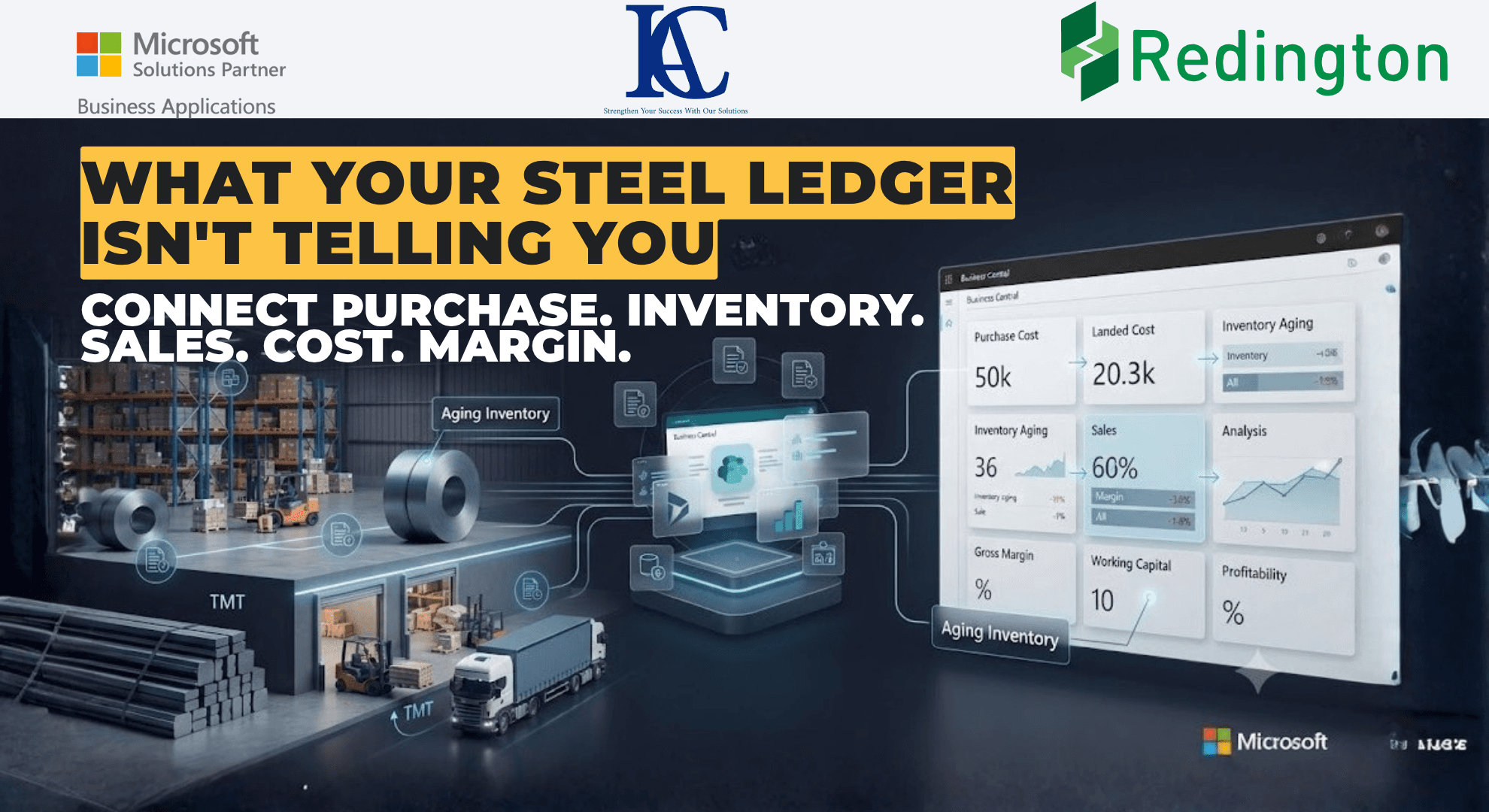
It's 9 AM at a TMT and steel trading office.
A truckload of TMT bars just came in from a mill. Another shipment is going out to a construction contractor across town. Prices moved overnight. A customer is asking for 30-day credit on a large order. Somewhere in a warehouse, a batch of steel coils has been sitting for six weeks longer than it should have.
To anyone glancing at the dashboard, it looks simple: buy steel, store it, sell it, collect payment.
But ask the person running the business one question: "Why did our margin on last month's TMT sales shrink?" and the simple story falls apart fast.
Was it a price dip between purchase and sale? Freight and handling costs that crept up? Slow-moving inventory tying up working capital? A customer discount that wasn't tracked properly?
Most steel traders sense the answer. Very few can point to the exact number that proves it.
That's not a market problem. That's an ERP problem, specifically, how well your system connects purchasing, inventory, sales, and cost into one story instead of four disconnected ones.
If you run a TMT or steel trading business and you're looking at Microsoft Dynamics 365 Business Central, here are five things worth understanding before you configure a single screen.
(Note: the examples below are illustrative scenarios used to explain how the software works, not a description of any specific client's actual operations, pricing, or financial results.)
1. Your Margin Is Not a Number. It's a Story.
Every sale of TMT bars or steel coils shows a margin. It's tempting to treat that figure as the final word.
For a trading business, that number is really the opening line of a bigger question: what actually shaped this margin?
A well-configured ERP breaks it down into real components:
Purchase cost, the rate you locked in with the mill or supplier
Landed cost, freight, handling, loading/unloading, insurance
Holding cost, how long the material sat in the warehouse before it was sold
Selling price and terms, including any discounts, credit terms, or price protection given to a customer
Before a single tonne is sold, the system already has an expected margin based on purchase cost and target selling price.
Then the market happens. Prices shift while material is in transit or storage. A shipment takes longer to clear than planned. A customer negotiates better terms than usual.
The weak version of this conversation sounds like:
"Margins were lower this month."
The stronger version, the one a connected ERP makes possible, sounds like:
"Purchase cost was in line with plan, but holding costs on the coil inventory ate into margin because that batch sat for six extra weeks."
That second sentence is something the business can actually act on.
2. When Should the System "Count" a Purchase as Costed In?
This sounds like a back-office detail. It isn't; it's one of the more important decisions in setting up a trading ERP: how and when landed costs get applied to inventory.
In a trading business, the purchase price on a supplier invoice is rarely the full cost. Freight, customs, loading charges, and insurance all add to what a tonne of steel actually costs you before it's sold.
Some businesses want these costs applied automatically, spread proportionally across a shipment as soon as it's received. Others want more manual control, recording actual freight and handling charges as they come in, especially when costs vary significantly between shipments or suppliers.
There's no single "correct" approach for an entire business. Fast-moving, low-variance items might suit automatic allocation. High-value or irregular shipments often benefit from manual review before costs are locked into inventory value.
The real question isn't "what's the standard method?" It's:
"How closely does our recorded cost need to match what we actually paid, shipment by shipment?"
3. Not All Inventory Behaves the Same Way, and Your System Should Know That
Steel and TMT inventory isn't one uniform thing. A trader typically carries:
Fast-moving standard sizes that turn over in days
Slower-moving or specialty grades that may sit for weeks
Material earmarked for a specific customer order versus general stock
Treating all of it the same way in the system creates blind spots. If slow-moving stock isn't flagged, it quietly ties up working capital and warehouse space without anyone noticing until a stock count or a cash-flow crunch forces the question.
A connected ERP lets a business ask a more useful question than "how much stock do we have?" It allows asking:
"How long has this specific batch been sitting, and is it still priced to move at a healthy margin?"
That distinction, between total inventory and aging inventory, is often where real money is quietly lost or found.
4. Purchasing and Sales Shouldn't Run as Two Separate Stories
In many trading businesses, purchasing decisions and sales decisions get made by different people, sometimes with limited visibility into each other's activity.
That can create avoidable problems:
Buying more of a grade that's already sitting slow in the warehouse
Committing to a sale before confirming the material is actually available
Missing an opportunity to match an incoming shipment directly to a waiting customer order
When purchasing and sales data live in the same connected system, a business can plan more realistically:
"Do we have this material?"
becomes:
"Do we have it, is it the right batch, and is a customer already waiting for it?"
For a trading operation juggling multiple grades, sizes, and supplier relationships at once, that visibility is often the difference between steady cash flow and material sitting idle.
5. Order Status Should Mean Something, Not Just Be a Field You Click Through
In many systems, moving a purchase or sales order from "quotation" to "confirmed" to "invoiced" is treated as a formality.
It shouldn't be. Each stage represents a different level of commitment:
Quotation stage: this is still a projection. Nothing has been promised to a supplier or customer.
Confirmed order: this is where a business should be validating the real questions: Is the credit limit checked? Is stock actually available? Are payment terms agreed?
Invoiced / Closed: now it's final, and the numbers that matter- cost, margin, payment terms- are locked in.
Treating that confirmation step as a genuine checkpoint, rather than a formality, is what prevents a business from discovering a credit or stock problem after the material has already left the warehouse.
When These Pieces Work Together, Something Changes
Individually, purchasing cost, inventory aging, sales visibility, and order status each look like small operational details.
Together, they tell a connected story:
Purchase → Landed Cost → Inventory → Sale → Margin → Analysis
A supplier price shifts. Landed cost changes. A batch sits longer than planned. A sale is negotiated on tighter terms than usual. Because everything is connected, the impact on margin becomes visible early, not discovered a month later when the numbers don't add up.
That's the real value of ERP for a steel or TMT trading business: not just recording transactions, but explaining why the numbers look the way they do, early enough to act on it.
Before You Configure Anything, Ask These Five Questions
Can we explain a margin change in specific terms, not just "the market moved"?
Do we know our true landed cost per shipment, or are we estimating it?
Do we know which stock is aging and quietly tying up capital?
Do purchasing and sales teams see the same picture of available inventory in real time?
Does order confirmation actually check credit and stock, or is it just a status people click through?
If more than one of these is hard to answer clearly, the issue usually isn't the software.
It's that the trading process hasn't yet been properly mapped into the software, and that's exactly where the right implementation partner makes the difference.
Disclaimer: This article uses illustrative, hypothetical scenarios to explain how ERP concepts in Microsoft Dynamics 365 Business Central can apply to a steel or TMT trading business. It does not describe any actual client, transaction, pricing, or financial outcome, and is not financial, investment, trading, or professional advice. Businesses should evaluate their own operational and regulatory requirements independently.