Beyond the Spreadsheet: 5 Microsoft Dynamics 365 Business Central Project Features That Boost Efficiency
Discover five powerful Microsoft Dynamics 365 Business Central Project Management features that improve resource planning, inventory control, project billing, and profitability.
Introduction
Managing projects across multiple spreadsheets, disconnected systems, and manual processes can quickly become overwhelming.
Project managers often track schedules in one application, inventory in another, and financial information somewhere else. As a result, teams struggle with delayed billing, inaccurate inventory, poor resource visibility, and reduced project profitability.
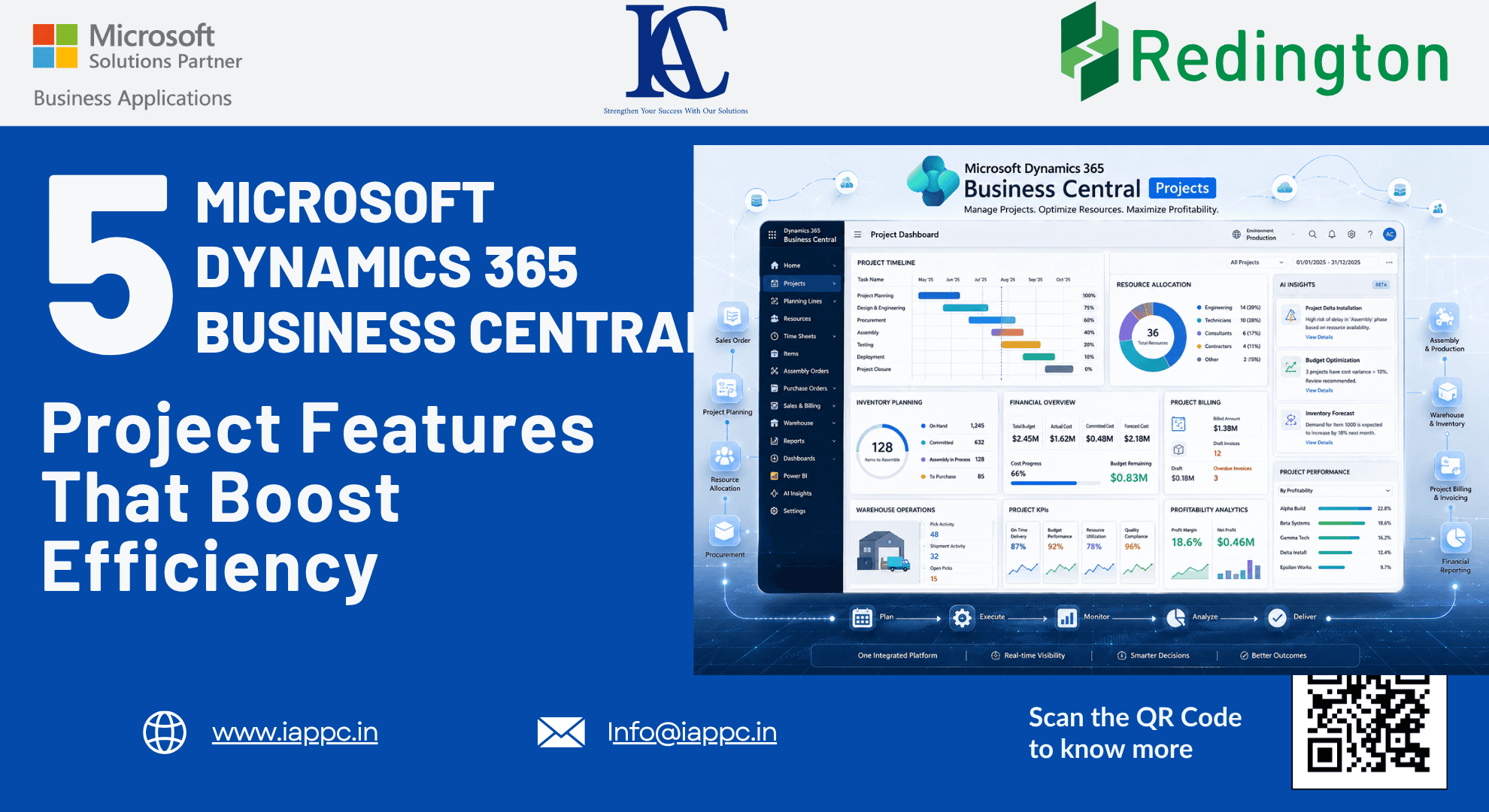
Microsoft Dynamics 365 Business Central Projects brings these processes together within a single ERP platform, enabling organizations to manage planning, inventory, finance, resource allocation, and project execution from one centralized system.
Instead of reacting to project issues after they occur, businesses gain the visibility and automation needed to make informed decisions in real time.
Here are five powerful Business Central Project Management features that help organizations improve efficiency, optimize resources, and deliver more profitable projects.
Why Project-Based Businesses Need an Integrated ERP
Project-driven organizations face challenges such as:
Disconnected project and financial data
Inventory shortages or excess stock
Delayed customer billing
Limited visibility into project profitability
Manual time tracking
Inefficient warehouse coordination
Microsoft Dynamics 365 Business Central eliminates these silos by integrating project management, finance, inventory, and warehouse operations into one platform.
The result is greater operational control, improved collaboration, and better business decisions.
1. Improve Inventory Planning with Assemble-to-Project
Inventory often represents one of the largest costs in project-based businesses.
Without proper planning, organizations either overstock materials or experience delays due to unavailable components.
Business Central addresses this challenge through the Assemble-to-Project feature.
When an assemble-to-order item is added to a project planning line, the system automatically creates a linked assembly order using the item's Bill of Materials (BOM).
Benefits
Purchase and assemble materials only when required
Reduce excess inventory
Improve material availability
Support lean project execution
Protect working capital
Best Practice
Avoid combining Assemble-to-Order and Assemble-to-Stock on the same planning line. Create separate planning lines to maintain accurate inventory tracking and project planning.
2. Accelerate Cash Flow with Suggested Billing
One of the biggest challenges in project management is ensuring completed work is invoiced on time.
Delays in billing create cash flow gaps and reduce financial visibility.
Business Central simplifies this process through the Project Suggested Billing Report, which identifies work completed but not yet invoiced.
Key Advantages
Identify unbilled work in progress (WIP)
Improve invoice accuracy
Increase billing efficiency
Strengthen cash flow management
Reduce revenue leakage
By providing finance teams with a clear overview of pending invoices grouped by customer, Business Central helps organizations convert completed work into revenue faster.
3. Measure Project Profitability with Realization KPIs
Completing projects within budget does not always guarantee profitability.
Organizations also need to understand how effectively project costs translate into billable revenue.
The Realization (%) KPI available through the Power BI Projects app provides this insight.
Realization Formula
Realization (%) = Total Billable Price ÷ Total Usage Price
A higher realization percentage indicates stronger resource utilization and healthier project margins.
Business Benefits
Monitor project profitability
Evaluate resource performance
Detect scope creep early
Improve pricing strategies
Support better management decisions
Regularly reviewing realization metrics helps organizations maximize the value of their people, time, and resources.
4. Simplify Time Tracking and Resource Management
Accurate project reporting depends on accurate time entry.
Unfortunately, manual time tracking often results in incomplete or delayed information.
Business Central simplifies resource management by integrating Time Sheets directly with:
Projects
Service Orders
Assembly Orders
Productivity Features
Copy previous time sheet entries
Reuse planning lines
Mobile-friendly time entry
Faster approvals
Improved reporting accuracy
By making time tracking easier, organizations encourage user adoption while improving project visibility and billing accuracy.
5. Connect Warehouse Operations with Project Execution
Successful project delivery requires seamless coordination between warehouse operations and project teams.
Business Central integrates warehouse management directly with project consumption through inventory picks and warehouse validation.
How It Works
Before project usage is posted, Business Central verifies that materials have been picked from the warehouse.
This validation helps organizations:
Prevent inventory discrepancies
Improve stock accuracy
Strengthen warehouse accountability
Support reliable project costing
While project usage still requires confirmation through project journals, warehouse validation ensures inventory records remain accurate throughout the project lifecycle.
Key Takeaways
Assemble-to-Project helps reduce excess inventory and improve material planning.
Suggested Billing accelerates invoicing and improves cash flow.
Realization KPIs provide valuable insight into project profitability.
Integrated Time Sheets improve resource tracking and billing accuracy.
Warehouse validation strengthens inventory control and project execution.
Frequently Asked Questions
What is Microsoft Dynamics 365 Business Central Projects?
Business Central Projects is a project management solution within Microsoft Dynamics 365 that integrates project planning, finance, inventory, resource management, billing, and reporting into one ERP platform.
How does Assemble-to-Project improve inventory management?
It automatically creates assembly orders based on project demand, ensuring materials are assembled only when required and reducing excess inventory.
What is Suggested Billing in Business Central?
Suggested Billing identifies completed project work that has not yet been invoiced, helping finance teams improve cash flow and reduce revenue leakage.
What is the Realization KPI?
The Realization KPI measures how effectively project costs generate billable revenue, providing insight into project profitability and resource utilization.
Why should project teams use integrated Time Sheets?
Integrated Time Sheets improve reporting accuracy, simplify resource management, reduce administrative work, and support timely project billing.
Conclusion
Managing projects with disconnected spreadsheets and manual processes limits visibility, delays decisions, and reduces profitability.
Microsoft Dynamics 365 Business Central Projects provides a unified platform that connects planning, inventory, finance, warehouse operations, and resource management, enabling organizations to manage projects with greater accuracy and confidence.
From intelligent inventory planning to automated billing and real-time profitability analysis, Business Central helps businesses replace reactive project management with proactive operational control.
As project complexity continues to grow, organizations that embrace integrated ERP solutions will be better positioned to deliver projects on time, improve financial performance, and scale efficiently.
Looking to improve project visibility and operational efficiency with Microsoft Dynamics 365 Business Central?
At innovative application consultants, we help businesses implement and optimize Business Central Projects to streamline project management, automate workflows, improve resource utilization, and maximize profitability.
Contact our Business Central experts today to learn how an integrated ERP solution can transform the way you manage projects.