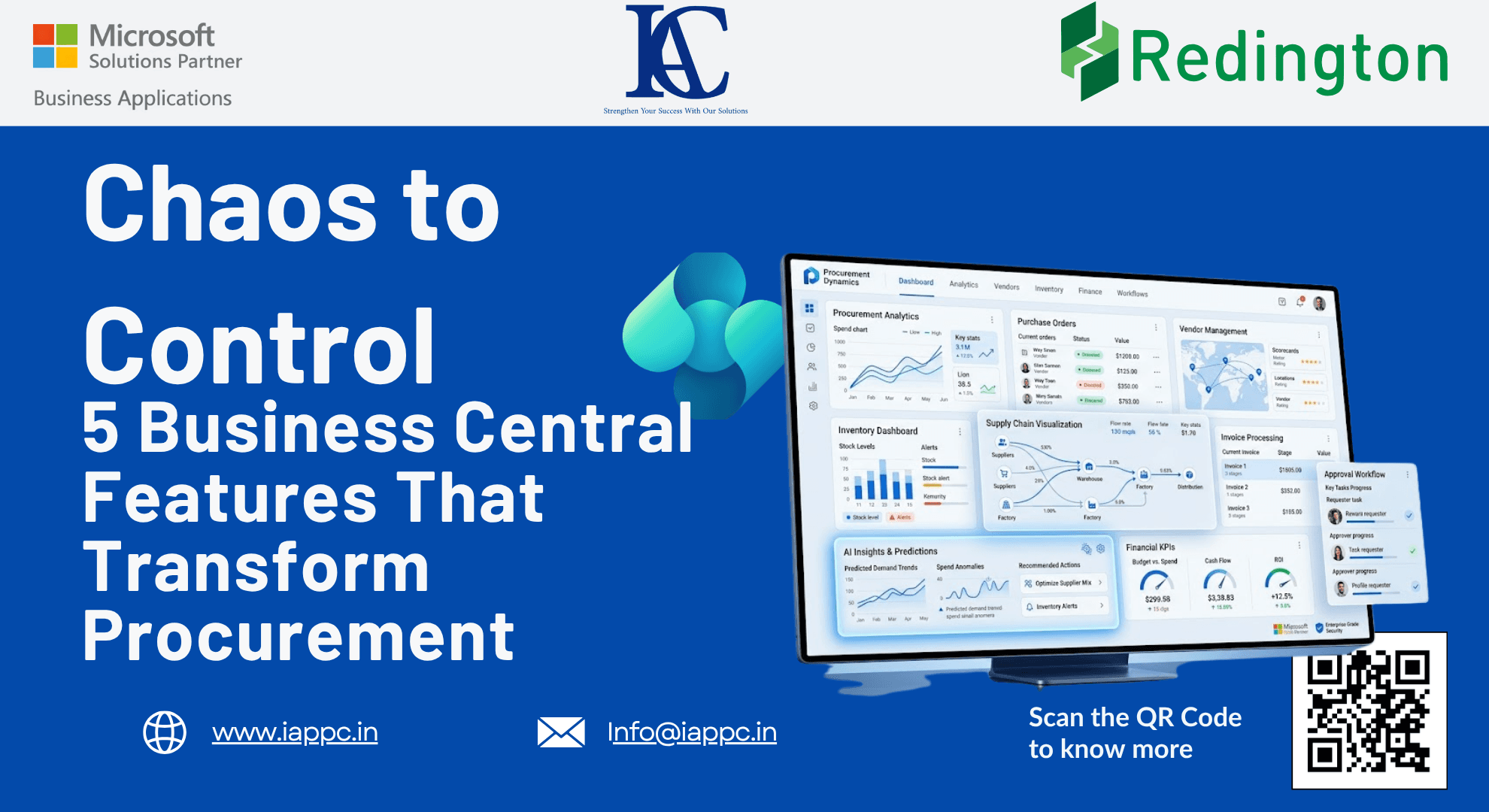
From Chaos to Control: 5 Microsoft Dynamics 365 Business Central Features That Transform Procurement
Discover five powerful Microsoft Dynamics 365 Business Central procurement features that automate purchasing, improve inventory planning, simplify invoice management, and strengthen financial control.
Introduction
Procurement is no longer just about purchasing goods—it plays a critical role in managing cash flow, maintaining inventory, improving supplier relationships, and supporting business growth.
Yet many organizations still rely on spreadsheets, disconnected systems, and manual processes to manage purchasing activities. The result is delayed decisions, inaccurate inventory planning, duplicate vendor records, and inefficient invoice processing.
Microsoft Dynamics 365 Business Central changes this approach by replacing manual procurement with intelligent automation and real-time insights.
Instead of spending hours preparing reports or correcting purchasing errors, finance and procurement teams can make informed decisions using live business data and built-in workflows.
Here are five Business Central capabilities that help organizations move from procurement chaos to complete operational control.
Why Modern Procurement Needs Automation
Manual procurement often leads to:
Delayed purchasing decisions
Inventory shortages or overstocking
Duplicate supplier records
Slow invoice approvals
Limited reporting visibility
Increased administrative costs
Business Central addresses these challenges by centralizing purchasing data, automating workflows, and providing real-time analytics for better decision-making.
1. Replace Spreadsheet Reporting with Real-Time Analysis
Many procurement teams still export purchasing data into spreadsheets before they can analyze supplier performance or outstanding liabilities.
By the time reports are completed, the information may already be outdated.
Microsoft Dynamics 365 Business Central eliminates this delay through Analysis Mode, available directly on purchasing and finance list pages.
What You Can Analyze
Purchase Lines
Vendor Ledger Entries
Outstanding receipts
Goods Received Not Invoiced (GRNI)
Purchasing trends
Creating a GRNI Analysis
To review outstanding receipts:
Open the Purchase Lines page.
Enable Analysis Mode.
Add the Amt. Rec. Not Invoiced (LCY) field if it is hidden.
Switch to Pivot Mode.
Group data by Vendor, Document Number, and Item.
Filter records where the received amount not invoiced is greater than zero.
Benefits
Live procurement reporting
Faster decision-making
No Excel exports
Improved visibility into financial liabilities
Better supplier management
2. Improve Inventory Planning with Intelligent Date Calculations
Accurate purchasing depends on ordering inventory at the right time—not too early and not too late.
Business Central automatically calculates purchasing dates using requested receipt dates, lead times, warehouse handling times, and safety stock settings.
How It Works
The system determines:
When the purchase order should be placed
Expected warehouse receipt date
Inventory availability timeline
This helps procurement teams maintain optimal inventory while reducing excess stock and avoiding shortages.
Best Practice
Use fixed-duration formulas such as:
5D (Five Days)
1W (One Week)
Avoid variable formulas like CM (Current Month) because order dates can shift depending on when transactions are created, increasing the risk of delayed deliveries.
3. Simplify Accounts Payable with Invoice Consolidation
Managing hundreds of supplier invoices individually consumes valuable finance resources.
Business Central streamlines this process using Get Receipt Lines and Get Order Lines, allowing finance teams to consolidate multiple purchase receipts into a single supplier invoice.
Advantages
Fewer invoices to process
Reduced manual matching
Faster approvals
Improved payment accuracy
Simplified reconciliation
Important Considerations
The Get Order Lines feature does not support certain scenarios, including:
Prepayments
Item Charges
Project-related purchasing
Subcontracting transactions
Understanding these limitations helps organizations design more efficient procurement workflows.
4. Connect Sales Orders Directly to Procurement
One of Business Central's most valuable procurement capabilities is its ability to generate purchase orders directly from sales orders.
When inventory is unavailable, the system can automatically recommend purchasing the required quantities.
Benefits
Faster order fulfillment
Reduced stock shortages
Improved customer satisfaction
Better coordination between sales and procurement
Automated replenishment
When to Use Drop Shipment
If products are shipped directly from suppliers to customers, use the Drop Shipment process instead of inventory replenishment to ensure accurate document flow and logistics management.
5. Strengthen Data Integrity with Vendor Merge
Duplicate vendor records reduce reporting accuracy and complicate financial management.
Business Central includes a Merge Duplicate feature that safely combines supplier records while preserving transaction history.
Merge Benefits
Maintains complete audit trails
Preserves ledger history
Consolidates supplier information
Improves reporting accuracy
Eliminates duplicate master data
During the merge process, users can select which information should remain by using the Override option, ensuring important supplier details are retained.
Note: Users require the MERGE DUPLICATES permission set to perform vendor merges.
Key Takeaways
Use Analysis Mode for real-time procurement insights without exporting data.
Improve inventory planning through automated lead-time calculations.
Consolidate supplier invoices to reduce accounts payable workload.
Generate purchase orders directly from sales orders for faster replenishment.
Maintain clean vendor data with Business Central's duplicate merge functionality.
Frequently Asked Questions
What is Analysis Mode in Business Central?
Analysis Mode allows users to analyze purchasing and financial data directly within Business Central without exporting information to Excel.
How does Business Central improve procurement planning?
It automates lead-time calculations, inventory planning, purchase recommendations, and supplier management to improve purchasing efficiency.
Can Business Central consolidate multiple purchase receipts into one invoice?
Yes. Finance teams can use Get Receipt Lines to combine multiple purchase receipts into a single supplier invoice.
Why is vendor merging important?
Merging duplicate vendors preserves transaction history, improves reporting accuracy, and maintains a clean supplier database.
How does Business Central connect sales and purchasing?
The system can automatically generate purchase orders when sales orders require inventory that is not currently available.
Conclusion
Procurement is no longer a back-office administrative function—it is a strategic driver of operational efficiency and financial performance.
Microsoft Dynamics 365 Business Central empowers organizations with real-time analytics, intelligent purchasing workflows, automated inventory planning, and stronger data management.
By replacing manual processes with built-in automation, businesses can reduce errors, improve supplier collaboration, optimize cash flow, and create a procurement operation that scales with growth.
The shift from chaos to control begins with making better use of the tools already available within your ERP.
Looking to modernize your procurement processes with Microsoft Dynamics 365 Business Central?
At Innovative Application Consultants, we help organizations configure Business Central to automate purchasing, streamline finance operations, improve inventory management, and build scalable procurement workflows.
Get in touch with our Business Central experts to discover how intelligent ERP solutions can transform your procurement strategy.