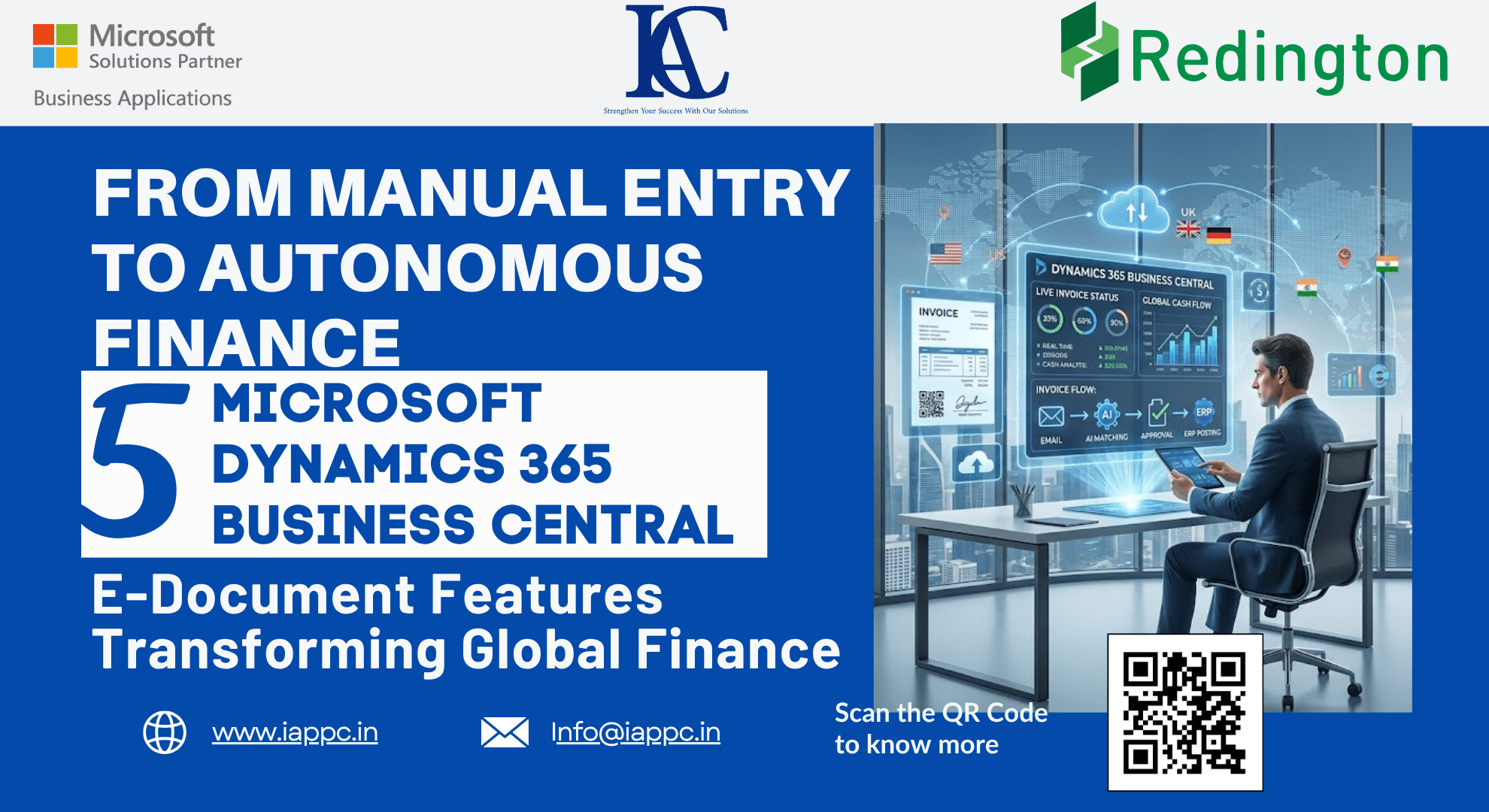
From Manual Entry to Autonomous Flow: 5 Microsoft Dynamics 365 Business Central E-Document Features Transforming Global Finance
Discover how Microsoft Dynamics 365 Business Central E-Documents automate invoice processing, simplify global compliance, and streamline accounts payable with AI and digital workflows.
Introduction
Many organizations consider themselves paperless because suppliers send invoices by email rather than by post.
However, replacing paper with PDF files does not eliminate manual work.
Finance teams still spend valuable time downloading attachments, entering invoice data into ERP systems, matching purchase orders, resolving discrepancies, and ensuring regulatory system.
True digital transformation begins when these manual processes disappear altogether.
Microsoft Dynamics 365 Business Central's E-Document Framework enables organizations to automate invoice capture, streamline document exchange, simplify regulation, and reduce manual intervention through intelligent workflows and AI-powered automation.
Instead of processing documents manually, finance teams can focus on financial analysis, supplier relationships, and strategic decision-making.
Here are five Business Central E-Document capabilities that are transforming modern finance operations.
Why Digital Finance Needs More Than PDF Invoices
Manual invoice processing often results in:
Slow accounts payable workflows
Data entry errors
Duplicate invoices
regulation risks
Delayed approvals
Higher operational costs
Business Central replaces manual document handling with intelligent automation that connects suppliers, customers, tax authorities, and finance teams through secure digital workflows.
The result is faster processing, improved accuracy, and greater financial control.
1. Simplify Global regulation with the E-Document Framework
As electronic invoicing regulations expand worldwide, businesses must adapt to country-specific adherence requirements.
Many regions, including India, Spain, Mexico, and Italy, require invoices to be approved by tax authorities before they can be legally delivered to customers.
This process is known as the Clearance Model.
Business Central provides a flexible E-Document Framework that supports these requirements by:
Generating compliant electronic invoices
Managing approval workflows
Storing government-issued invoice identifiers
Supporting QR codes and digital signatures
Integrating with country-specific e-invoicing extensions
Business Benefits
Simplified regulatory adherence
Reduced manual processing
Improved audit readiness
Faster cross-border transactions
Future-ready ERP architecture
Simplified regulatory adherence
Reduced manual processing
Improved audit readiness
Faster cross-border transactions
Future-ready ERP architecture
Rather than redesigning invoicing processes for every market, organizations can extend Business Central to meet local regulations while maintaining a standardized global finance platform.
2. Automate Invoice Capture Directly from Outlook
Supplier invoices often arrive through shared finance mailboxes.
Traditionally, finance teams manually download attachments before entering invoice information into the ERP system.
Business Central eliminates this repetitive task through Service Integration V2 for Outlook.
The solution automatically:
Monitors designated Outlook mailboxes
Reads unread emails
Identifies invoice attachments
Creates E-Document records
Marks processed emails to prevent duplicates
When combined with Job Queues, invoice processing continues automatically in the background without requiring user intervention.
Benefits
Eliminate repetitive email handling
Reduce manual data entry
Improve invoice processing speed
Prevent duplicate processing
Increase finance team productivity
Eliminate repetitive email handling
Reduce manual data entry
Improve invoice processing speed
Prevent duplicate processing
Increase finance team productivity
3. Accelerate Invoice Matching with Microsoft Copilot
Matching supplier invoices to purchase orders is one of the most time-consuming activities in accounts payable.
Microsoft Copilot simplifies this process using AI-powered document intelligence.
Instead of manually reviewing every invoice line, Copilot analyzes incoming documents and recommends the most appropriate purchase order lines, items, or general ledger accounts.
Matching Options
Manual Matching
Finance users map invoice lines themselves.
AI-Assisted Matching
Copilot automatically suggests matching purchase order lines based on invoice content.
Additional Advantages
Organizations can configure invoice matching tolerance percentages to automatically accept minor differences in:
Unit prices
Discounts
Cost variations
This reduces unnecessary manual reviews while maintaining financial accuracy.
4. Connect with Global E-Invoicing Providers
Business Central uses an open integration model that allows organizations to connect with specialized electronic invoicing providers rather than relying on a single proprietary platform.
Supported providers include:
Pagero
Avalara
Logiq
SignUp (ExFlow E-Invoicing)
B2BRouter
Why This Matters
Businesses can:
Exchange PEPPOL documents
Meet regional adherence requirements
Integrate with tax authorities
Support international expansion
Avoid vendor lock-in
This flexible architecture enables organizations to scale global operations without rebuilding their finance infrastructure for every new market.
5. Extend the Framework for Future Business Needs
Business Central's E-Document Framework is designed for extensibility.
Developers can create custom integrations using standardized interfaces for:
Document transmission
Document receipt
Status management
Workflow automation
This enables organizations to support:
Country-specific adherence
Industry-specific requirements
Custom approval workflows
Third-party integrations
Future regulatory updates
As electronic invoicing regulations continue to evolve worldwide, businesses can extend existing capabilities instead of replacing their ERP systems.
Key Takeaways
Business Central automates electronic document processing from receipt to posting.
The E-Document Framework simplifies global adherence requirements.
Outlook integration removes manual invoice intake.
Microsoft Copilot accelerates invoice matching using AI.
Open integrations support leading global e-invoicing providers and future business growth.
Business Central automates electronic document processing from receipt to posting.
The E-Document Framework simplifies global adherence requirements.
Outlook integration removes manual invoice intake.
Microsoft Copilot accelerates invoice matching using AI.
Open integrations support leading global e-invoicing providers and future business growth.
Frequently Asked Questions
What is the E-Document Framework in Microsoft Dynamics 365 Business Central?
The E-Document Framework automates the creation, exchange, receipt, and processing of electronic business documents such as invoices while supporting regulatory adherence and digital workflows.
How does Business Central support electronic invoicing?
Business Central integrates with global e-invoicing providers, automates document processing, manages adherence workflows, and supports country-specific electronic invoicing regulations.
How does Microsoft Copilot improve invoice processing?
Copilot uses AI to automatically match supplier invoice lines with purchase orders or general ledger accounts, significantly reducing manual effort.
Can Business Central automatically process invoices received by email?
Yes. Through Outlook integration and Job Queues, Business Central can automatically capture invoice attachments, create E-Documents, and process incoming invoices.
Which countries require electronic invoice clearance?
Countries including India, Spain, Mexico, and Italy require tax authority approval before electronic invoices can be legally issued.
Conclusion
The future of finance is no longer defined by faster data entry; it is defined by intelligent automation.
Microsoft Dynamics 365 Business Central's E-Document Framework enables organizations to replace manual invoice processing with digital workflows that automate document capture, support global adherence, leverage AI-powered invoice matching, and integrate seamlessly with international e-invoicing networks.
By reducing administrative work and improving financial accuracy, businesses can transform their finance teams from transaction processors into strategic business partners.
As global electronic invoicing regulations continue to expand, adopting an intelligent E-Document strategy today prepares organizations for tomorrow's adherence and operational challenges.
Ready to modernize your finance operations with Microsoft Dynamics 365 Business Central?
At Innovative Application Consultants, we help organizations implement Business Central E-Document solutions, automate accounts payable, integrate global e-invoicing providers, and streamline financial workflows through intelligent ERP automation.
Contact our Business Central experts today to discover how digital document automation can improve adherence, reduce costs, and accelerate your finance transformation.