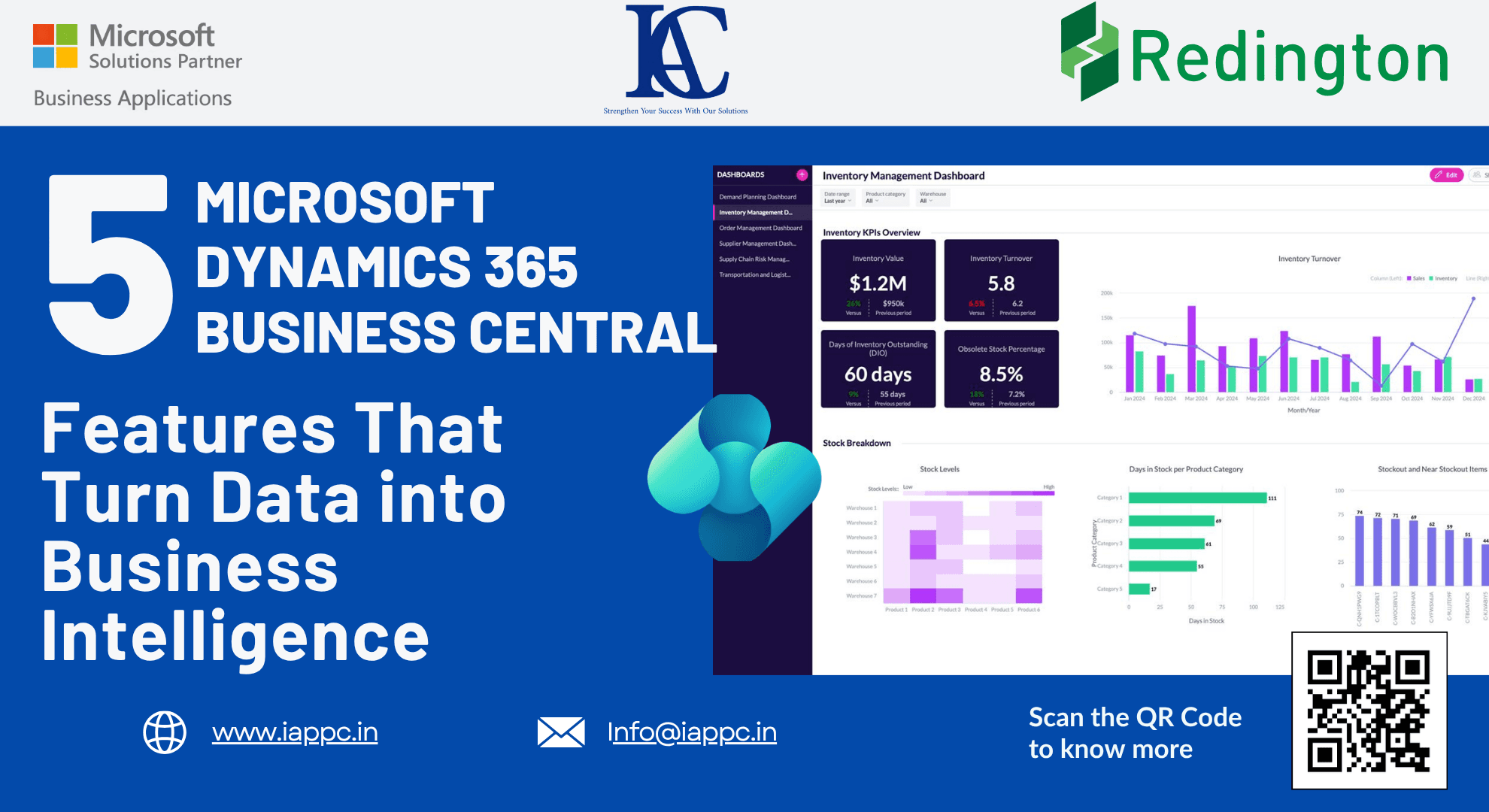
5 Microsoft Dynamics 365 Business Central Features That Turn Data into Business Intelligence
Learn how Microsoft Dynamics 365 Business Central transforms business data into real-time intelligence using Analysis Mode, Copilot AI, Power BI, and project analytics.
Introduction
Every day, finance teams, operations managers, and business leaders export data from their ERP systems into spreadsheets to create reports, analyze trends, and support business decisions.
While familiar, this process is often slow, manual, and prone to errors. By the time reports are complete, the data may already be outdated, making it difficult to respond quickly to changing business conditions.
Modern organizations need more than static reports—they need real-time business intelligence.
Microsoft Dynamics 365 Business Central delivers exactly that by combining live operational data with built-in analytics, AI-powered insights, project intelligence, and interactive dashboards. Instead of relying on disconnected spreadsheets, organizations can analyze business performance directly within their ERP system.
Here are five powerful Business Central features that transform raw business data into actionable intelligence.
Why Businesses Need Real-Time Business Intelligence
Organizations that rely on manual reporting often face challenges such as:
Delayed decision-making
Multiple versions of the same report
Data inconsistencies
Limited visibility into operations
Slow financial reporting
Difficulty identifying business trends
Microsoft Dynamics 365 Business Central addresses these issues by centralizing data and providing real-time analytics within a single platform.
The result is faster, more informed decision-making across finance, operations, sales, inventory, and project management.
1. Replace Excel Reports with Analysis Mode
Many organizations still export ERP data into Excel before performing analysis.
Business Central eliminates this extra step through Analysis Mode, an interactive feature available on list pages such as Sales Invoices, Item Ledger Entries, Vendor Ledger Entries, and Purchase Lines.
Instead of exporting data, users can analyze information directly inside Business Central.
What Analysis Mode Enables
Create pivot-style reports instantly
Group records by multiple dimensions
Filter live business data
Summarize transactions
Explore trends without custom reports
Create pivot-style reports instantly
Group records by multiple dimensions
Filter live business data
Summarize transactions
Explore trends without custom reports
Business Benefits
Eliminate manual Excel exports
Reduce reporting time
Improve data accuracy
Support faster operational decisions
Work with live ERP data
Eliminate manual Excel exports
Reduce reporting time
Improve data accuracy
Support faster operational decisions
Work with live ERP data
Analysis Mode transforms Business Central from a transaction processing system into a powerful business intelligence platform.
2. Ask Business Questions Using Copilot AI
Business Central extends analytics even further through Microsoft Copilot.
Instead of manually building reports or applying complex filters, users can ask questions using natural language.
For example:
Show the top-selling products this quarter.
Summarize inventory movements by warehouse.
List overdue customer invoices.
Identify customers with the highest sales growth.
Copilot automatically configures filters, groupings, and analytical views, allowing users to uncover insights within seconds.
Benefits of Copilot Analytics
Faster reporting
Improved accessibility for non-technical users
Reduced dependence on custom reports
AI-assisted decision-making
Greater productivity
Faster reporting
Improved accessibility for non-technical users
Reduced dependence on custom reports
AI-assisted decision-making
Greater productivity
Business users spend less time creating reports and more time acting on insights.
3. Improve Financial Accuracy with Project WIP Methods
Project-based organizations often struggle to match revenue with project costs.
Without proper accounting controls, profitability can fluctuate significantly from one reporting period to another.
Business Central addresses this challenge through Project Work in Process (WIP) Methods.
Supported methods include:
Percentage Completion
Completed Contract
Cost Value
Sales Value
These methods automate revenue recognition and align project costs with earned revenue.
Advantages
Accurate financial reporting
Improved profitability analysis
Better compliance with accounting standards
Simplified project reconciliation
Increased audit transparency
Accurate financial reporting
Improved profitability analysis
Better compliance with accounting standards
Simplified project reconciliation
Increased audit transparency
Organizations can significantly reduce reconciliation time while improving confidence in financial reporting.
4. Track Project Performance with Apply Usage Links
Understanding project performance requires complete visibility into resource consumption.
The Apply Usage Link by Default setting automatically connects:
Labor entries
Material usage
Expenses
Planning lines
This creates end-to-end project traceability throughout the project lifecycle.
Why It Matters
Project managers can identify:
Budget overruns
Material cost increases
Resource utilization issues
Scope changes
Profitability risks
Rather than discovering problems after project completion, teams can respond immediately as variances occur.
5. Gain Executive Insights with Power BI Templates
While Analysis Mode supports day-to-day operational analysis, executives often require high-level business dashboards.
Microsoft provides prebuilt Power BI templates that integrate directly with Business Central.
Available templates include:
Finance
Sales
Purchasing
Inventory
Manufacturing
Projects
Executive Benefits
Monitor company performance
Track financial KPIs
Analyze sales trends
Evaluate inventory performance
Measure project profitability
Monitor company performance
Track financial KPIs
Analyze sales trends
Evaluate inventory performance
Measure project profitability
These dashboards reduce implementation time while giving leadership immediate visibility into business performance.
Best Practice
Organizations managing multiple Business Central companies should deploy separate Power BI applications for each company to ensure accurate reporting and data synchronization.
Key Takeaways
Analysis Mode eliminates the need for manual Excel reporting.
Microsoft Copilot enables conversational business intelligence.
Project WIP Methods improve financial accuracy and revenue recognition.
Apply Usage Links provide complete project traceability.
Power BI templates deliver executive-level insights with minimal setup.
Analysis Mode eliminates the need for manual Excel reporting.
Microsoft Copilot enables conversational business intelligence.
Project WIP Methods improve financial accuracy and revenue recognition.
Apply Usage Links provide complete project traceability.
Power BI templates deliver executive-level insights with minimal setup.
Frequently Asked Questions
What is Analysis Mode in Microsoft Dynamics 365 Business Central?
Analysis Mode is a built-in analytical workspace that allows users to create pivot-style reports, apply filters, and analyze live business data directly within Business Central.
How does Microsoft Copilot improve reporting?
Copilot enables users to ask business questions in natural language and automatically generates analytical views without requiring manual report configuration.
What are Project WIP Methods?
Project Work in Process (WIP) Methods automate revenue recognition by matching project costs with earned revenue, improving financial reporting accuracy.
Why are Apply Usage Links important?
Apply Usage Links automatically connect project planning with actual resource usage, providing complete visibility into project performance and budget variances.
Does Business Central integrate with Power BI?
Yes. Microsoft provides ready-to-use Power BI templates for finance, inventory, sales, purchasing, manufacturing, and project management, enabling real-time business intelligence.
Conclusion
Business intelligence should never depend on disconnected spreadsheets or outdated reports.
Microsoft Dynamics 365 Business Central enables organizations to analyze live business data, automate financial reporting, improve project visibility, and make faster, more informed decisions through integrated analytics and AI-powered insights.
By combining Analysis Mode, Microsoft Copilot, Project WIP automation, Apply Usage Links, and Power BI dashboards, Business Central transforms raw operational data into strategic business intelligence.
Organizations that embrace these capabilities can reduce reporting effort, improve collaboration, and gain the visibility needed to compete in today's data-driven business environment.