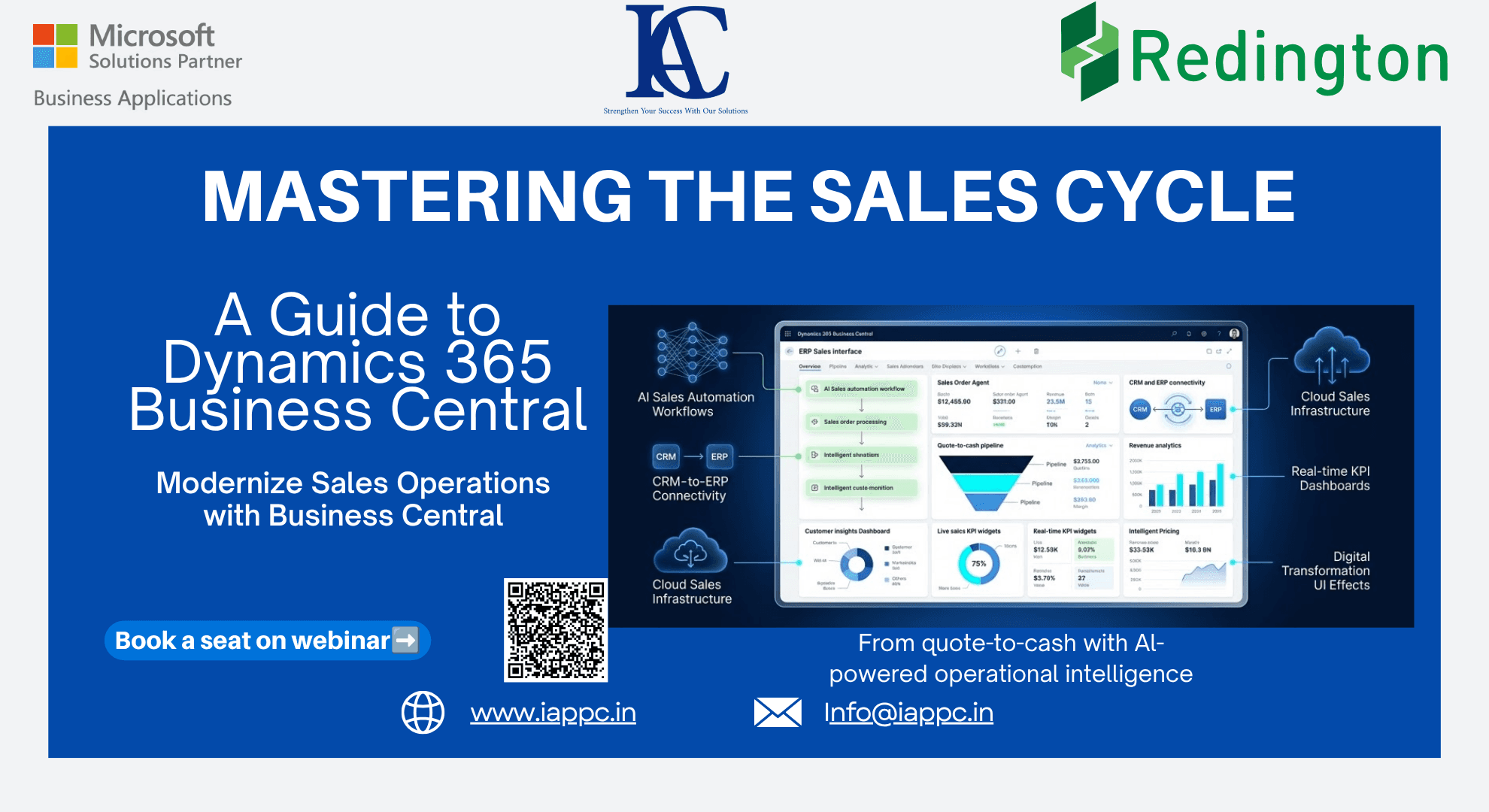
Mastering the Sales Cycle: A Guide to Dynamics 365 Business Central
How Dynamics 365 Business Central streamlines the sales cycle with AI automation, real-time reporting, CRM integration, and intelligent pricing strategies.
Introduction
Modern businesses require more than disconnected software and manual spreadsheets to manage sales operations effectively. As organizations grow, fragmented systems create delays, operational inefficiencies, and poor visibility across departments.
Microsoft Dynamics 365 Business Central provides a unified, cloud-based ERP platform that centralizes financials, operations, inventory, and customer data into a single ecosystem.
Instead of managing disconnected workflows between sales, finance, and operations, businesses can create a fully connected sales cycle from quote generation to payment collection.
This integrated approach improves visibility, accelerates sales processes, and enables organizations to scale efficiently.
1. Understanding the Quote-to-Cash Process
The foundation of an efficient sales operation is a streamlined quote-to-cash workflow.
In Business Central, the sales journey typically begins with a sales quote. Teams can create detailed customer proposals that include:
Product information
Pricing structures
Delivery schedules
Payment terms
Discounts and agreements
As customer negotiations evolve, quotes can be updated and resent quickly.
Once approved, quotes can be converted directly into:
Sales Orders
Sales Invoices
Why Sales Orders Matter
Sales Orders become essential when organizations require:
Partial shipments
Drop shipments
Inventory reservations
Delivery scheduling
Order promising capabilities
This structured workflow ensures operational accuracy while maintaining customer satisfaction.
2. AI Automation with the Sales Order Agent
Artificial intelligence is reshaping ERP-driven sales operations.
One of the most advanced capabilities inside Business Central is the Sales Order Processing Agent, which automates repetitive sales administration tasks.
What the AI Sales Agent Can Do
The AI-powered agent can:
Monitor shared sales inboxes
Detect incoming order requests
Identify customers automatically
Draft sales quotes
Validate product availability
Route quotes for approval
This reduces manual workload while accelerating response times.
Human Oversight Remains Critical
Every AI-generated activity is tracked inside the Copilot timeline, allowing users to:
Review actions
Edit responses
Override recommendations
Maintain approval control
This creates a balanced model where AI improves efficiency without removing operational governance.
3. Intelligent Pricing and Discount Management
Modern sales operations require flexible pricing strategies.
Business Central supports advanced pricing logic designed to automatically deliver the best available pricing structure for customers.
Key Pricing Capabilities
Organizations can configure pricing based on:
Customer groups
Promotional campaigns
Quantity discounts
Contract pricing
Seasonal offers
Geographic pricing models
Sales Price Worksheet
The Sales Price Worksheet enables sales leaders to:
Simulate pricing changes
Analyze margin impact
Test discount structures
Deploy pricing updates efficiently
This improves pricing accuracy while protecting profitability.
4. Real-Time Reporting and Sales Insights
Sales optimization depends on fast access to accurate data.
Traditional reporting processes often create delays that reduce operational agility.
Modern Business Central reporting tools provide real-time visibility into:
Customer performance
Sales trends
Outstanding orders
Revenue growth
Salesperson productivity
Margin analysis
Faster Decision-Making
Cloud-based analytics solutions integrated with Business Central can dramatically improve reporting speed.
Organizations can quickly analyze:
Customer Sales Comparison
Sales by Salesperson Summary
Product profitability
Revenue forecasts
This allows leadership teams to respond to opportunities and risks immediately instead of relying on outdated spreadsheets.
5. Seamless CRM Integration Creates Full Visibility
Business Central integrates directly with Microsoft Dynamics 365 Sales to create a connected quote-to-cash ecosystem.
This integration bridges the gap between CRM and ERP operations.
Benefits of CRM and ERP Integration
Sales Teams Gain:
Inventory visibility
Real-time pricing access
Customer financial history
Order tracking insights
Finance Teams Gain:
Pipeline visibility
Revenue forecasting
Customer payment status
Sales performance analytics
This unified visibility improves collaboration across departments and eliminates disconnected customer information.
Why Businesses Are Modernizing Their Sales Operations
Organizations adopting ERP-driven sales automation often achieve:
Faster quote generation
Reduced manual data entry
Better pricing consistency
Improved order accuracy
Higher sales productivity
Stronger customer experience
By connecting finance, inventory, and sales workflows, Business Central helps organizations create scalable and efficient sales operations.
The Future of Sales Management with AI
AI-powered ERP systems are moving beyond simple automation.
The future of sales management includes:
Predictive sales forecasting
Automated customer engagement
Intelligent pricing recommendations
AI-generated sales insights
Workflow-driven approvals
As AI capabilities evolve, organizations will increasingly shift from reactive sales management to proactive sales intelligence.
Final Thoughts
Modern sales success depends on speed, visibility, and operational connectivity.
Microsoft Dynamics 365 Business Central provides organizations with an integrated platform that combines:
ERP functionality
AI automation
Real-time reporting
CRM integration
Intelligent pricing
From automating inbox-based order processing to delivering real-time customer insights, Business Central enables businesses to manage the entire sales lifecycle more efficiently.
Organizations that modernize their sales infrastructure today will be better positioned to scale, compete, and adapt in the future.
Check out Business Central:https://www.iappc.in/business-central
FAQs
What is the sales cycle in Dynamics 365 Business Central?
The sales cycle in Business Central covers the entire quote-to-cash process, including quotes, sales orders, invoicing, payments, and customer management.
How does AI improve sales management in Business Central?
AI automates order processing, customer identification, quote generation, and workflow approvals to improve efficiency and reduce manual work.
What is the Sales Order Processing Agent?
The Sales Order Processing Agent is an AI-powered tool in Business Central that automates sales order handling and customer communication workflows.
Can Business Central integrate with CRM systems?
Yes. Business Central integrates seamlessly with Dynamics 365 Sales for unified CRM and ERP visibility.
Does Business Central support advanced pricing management?
Yes. Business Central supports customer pricing groups, quantity discounts, promotional pricing, and intelligent pricing logic.
How does Business Central improve sales reporting?
Business Central provides real-time dashboards, AI analytics, Power BI integration, and fast access to sales performance data.
Is Business Central suitable for growing businesses?
Yes. Business Central is designed for small and mid-sized businesses seeking scalable ERP and sales management capabilities.
Can Business Central automate sales workflows?
Yes. Business Central supports workflow automation, AI agents, approval routing, and automated sales order processing.