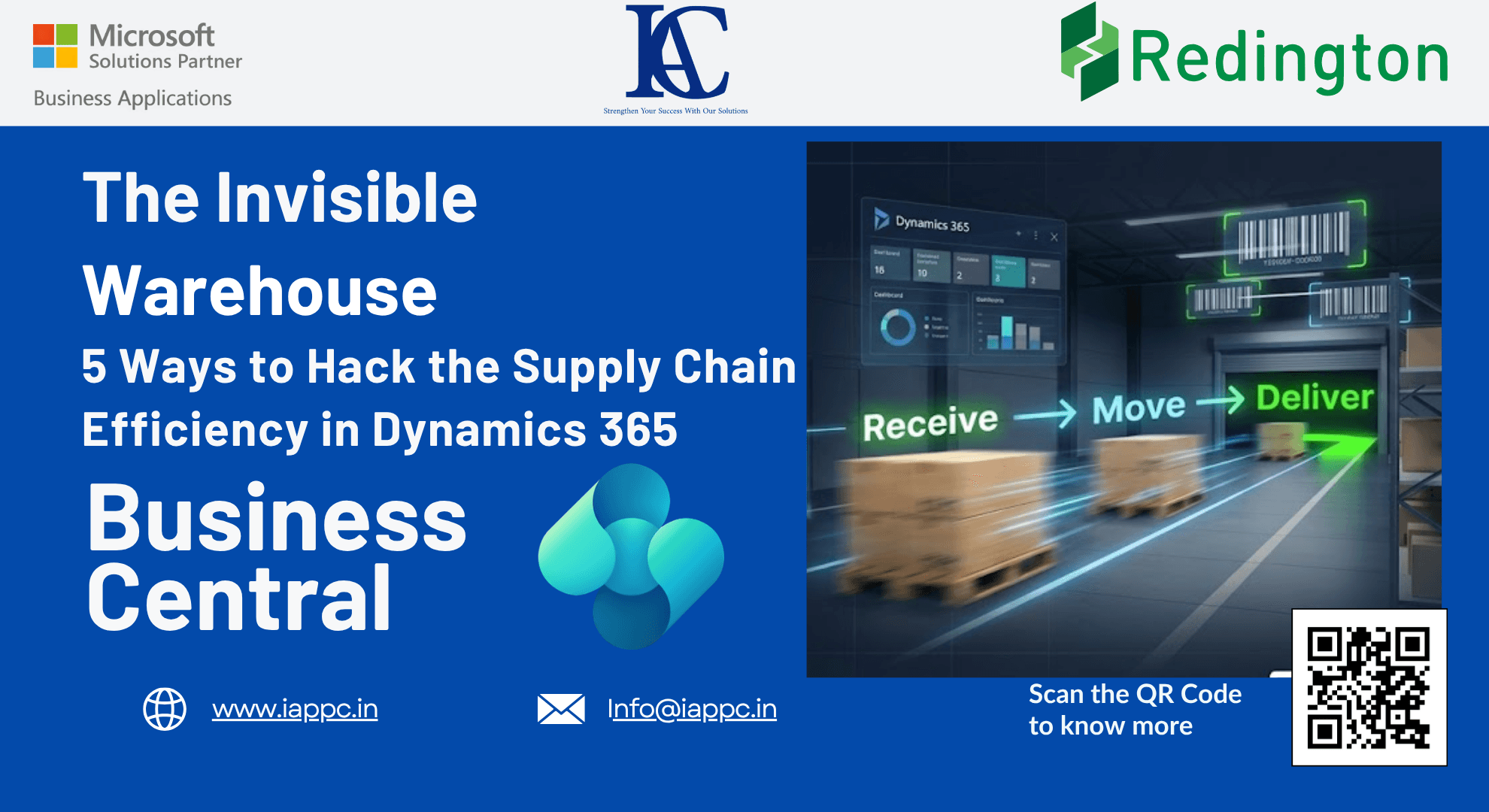
The Invisible Warehouse: 5 Surprising Ways to Hack Your Supply Chain Efficiency in Microsoft Dynamics 365 Business Central
5 powerful Microsoft Dynamics 365 Business Central strategies to reduce warehouse delays, optimize inventory flow, and improve supply chain efficiency.
Why Modern Supply Chains Can't Afford Warehouse Delays
Every minute inventory spends sitting idle in a warehouse represents tied-up capital, occupied storage space, and delayed customer value.
For supply chain leaders, warehouse managers, COOs, and CFOs, improving warehouse efficiency is no longer just an operational objective; it's a strategic business imperative. Rising logistics costs, customer expectations for faster deliveries, and increasing inventory carrying costs demand a new approach.
Traditional warehousing follows a straightforward process:
Receive → Store → Pick → Ship
However, leading organizations using Microsoft Dynamics 365 Business Central are increasingly adopting a velocity-first strategy:
Receive → Move → Deliver
This shift creates what we call the Invisible Warehouse, an operation where products spend minimal time on shelves and maximum time creating value.
In this article, we'll explore five powerful Business Central warehouse optimization techniques that can dramatically improve supply chain efficiency while reducing operational friction.
The Real Cost of Warehouse Inefficiency
Before exploring solutions, let's examine the challenges many organizations face.
Major Challenge: Excessive Inventory Dwell Time
Products remain in storage longer than necessary, increasing carrying costs and reducing inventory turnover.
Medium Challenge: Operational Complexity
Warehouse teams often struggle with unnecessary workflows, duplicate documentation, and inefficient receiving processes.
Minor Challenge: Lack of Ownership and Visibility
Without clear accountability, warehouse tasks can become duplicated, delayed, or overlooked.
Fortunately, Microsoft Dynamics 365 Business Central offers several advanced warehouse capabilities designed to solve these challenges.
1. Skip the Shelf: Accelerate Fulfillment with Cross-Docking
One of the fastest ways to improve warehouse performance is to eliminate storage altogether.
What Is Cross-Docking?
Cross-docking allows incoming inventory to be routed directly toward outbound demand rather than placed into long-term storage.
Instead of following:
Receive → Put Away → Pick → Ship
The process becomes:
Receive → Ship
Business Central automatically identifies inventory required for:
Sales orders
Production orders
Internal warehouse demand
The system then directs those items to designated cross-dock bins for immediate processing.
Business Benefits
Reduced warehouse handling
Faster order fulfillment
Lower labor costs
Improved inventory turnover
Reduced dock-to-stock time
Configuration Requirements
To enable Cross-Docking, the following warehouse controls must be active:
Require Receipt
Require Shipment
Require Pick
Require Put-away
Expert Recommendation
Configure the Cross-Dock Due Date Calculation carefully.
For example:
1D = Scan demand for the next day
3D = Scan demand for the next three days
7D = Scan demand for next week
A properly configured planning horizon significantly increases cross-docking opportunities.
2. The Complexity Trap: Choose the Right Warehouse Model
Many organizations mistakenly assume that advanced warehouse functionality automatically creates better results.
In reality, unnecessary complexity often slows operations.
Business Central offers four inbound warehouse models:
Method A: Direct Receiving
Receipt and put-away occur directly from the purchase order.
Best for small operations.
Method B: Inventory Put-away
Uses Inventory Put-away documents.
Ideal for basic warehouse control.
Method C: Warehouse Receipt
Consolidates receiving activities.
Requires "Require Receipt."
Does not require separate put-away processing.
Method D: Advanced Warehouse
Warehouse Receipt
Warehouse Put-away
Multi-user warehouse operations
Suitable for large distribution centers and complex logistics environments.
Key Takeaway
Implement the simplest process that supports your operational requirements.
Additional warehouse documents should only exist when they provide measurable business value.
3. Manage Non-Inventory Costs Without Operational Confusion
Many procurement teams purchase both physical goods and non-inventory services on the same purchase order.
Examples include:
Freight charges
Expedited shipping
Installation services
Handling fees
Without proper automation, these costs can create reconciliation issues between operations and finance.
Business Central Solution
The Auto Post Non-Inventory via Warehouse setting offers three approaches:
None
Non-inventory items are excluded from warehouse processing.
Attached/Assigned
Only charges linked to inventory items are automatically posted.
Ideal for freight and landed cost scenarios.
All
All non-inventory transactions post automatically when physical goods are received.
Business Benefits
Better financial visibility
Faster cost recognition
Improved landed cost accuracy
Reduced manual accounting effort
For CFOs and Finance Leaders, this creates stronger alignment between logistics and financial reporting.
4. Avoid the Hidden Cross-Docking Data Loss Risk
Many organizations activate Put-away Worksheets without understanding their impact on cross-docking.
The Hidden Problem
When the "Use Put-away Worksheet" option is enabled, Business Central can remove calculated cross-docking information during receipt posting.
As a result:
Cross-dock relationships may be lost
Outbound demand connections disappear
Warehouse planning becomes less accurate
Recommended Approach
Instead of relying on the automatic worksheet relay:
Delete Take and Place lines manually
Recreate instructions through the worksheet when needed
Preserve cross-docking intelligence
Why This Matters
Maintaining demand linkage ensures inventory continues moving through the warehouse efficiently instead of becoming trapped in storage.
5. Reduce Waste with FEFO Picking Logic
Inventory obsolescence directly impacts profitability.
This is particularly critical for:
FMCG organizations
Food distributors
Pharmaceutical suppliers
Chemical manufacturers
What Is FEFO?
First Expired, First Out (FEFO) prioritizes inventory based on expiration dates rather than physical location.
How Business Central Handles FEFO
Enable:
Pick According to FEFO
The system automatically prioritizes:
Earliest expiration date
Lowest lot or serial number
First registered inventory
Business Benefits
Reduced waste
Improved inventory rotation
Better compliance
Increased inventory accuracy
Although workers may travel slightly farther within the warehouse, the reduction in expired inventory often creates substantial cost savings.
The Human Factor: Creating Ownership in Warehouse Operations
Technology alone cannot eliminate inefficiencies.
Warehouse productivity also depends on accountability.
Use Assigned User IDs
Warehouse workers should claim:
Warehouse Picks
Warehouse Put-aways
Warehouse Movements
Benefits include:
Reduced duplication of work
Better labor tracking
Improved supervisor visibility
Clear task ownership
For warehouse managers, this creates a direct connection between digital workflows and physical execution.
How ERP Consultants Help Optimize Warehouse Operations
Many organizations only use a fraction of Business Central's warehouse capabilities.
A specialized Microsoft Dynamics consulting partner can help:
Design optimized warehouse processes
Configure cross-docking strategies
Implement FEFO workflows
Reduce operational complexity
Improve inventory visibility
Align finance and supply chain operations
The result is a faster, leaner, and more scalable supply chain operation.
Frequently Asked Questions
What is Cross-Docking in Microsoft Dynamics 365 Business Central?
Cross-docking routes incoming inventory directly toward outbound demand, eliminating unnecessary storage and reducing handling costs.
When should I use Advanced Warehouse functionality?
Advanced Warehouse functionality is best suited for organizations with high inventory volumes, multiple warehouse workers, and complex logistics requirements.
What is the difference between FIFO and FEFO?
FIFO prioritizes inventory based on receipt date, while FEFO prioritizes inventory based on expiration date.
Does Cross-Docking reduce warehouse costs?
Yes. Cross-docking reduces labor, storage requirements, inventory dwell time, and handling activities.
Can Business Central automatically manage non-inventory charges?
Yes. The Auto Post Non-Inventory via Warehouse feature enables automatic posting of services and charges linked to purchase receipts.
Final Thoughts: Building the Invisible Warehouse
The most efficient warehouse isn't necessarily the largest or the most automated.
It's the warehouse where inventory spends the least amount of time standing still.
By leveraging Cross-Docking, FEFO, streamlined receiving methods, intelligent cost handling, and clear task ownership, organizations can transform warehouse operations from a cost center into a competitive advantage.
The future of supply chain management is not about storing inventory more efficiently.
It's about moving value faster.
The question every operations leader should ask is:
Are your warehouse processes designed to store products or to accelerate customer value?