Beyond Depreciation: 5 Surprising Ways to Master Fixed Assets in Dynamics 365 Business Central
Discover five advanced fixed asset strategies in Dynamics 365 Business Central, from depreciation allocation and asset components to revaluation, splitting, and multiple depreciation books.
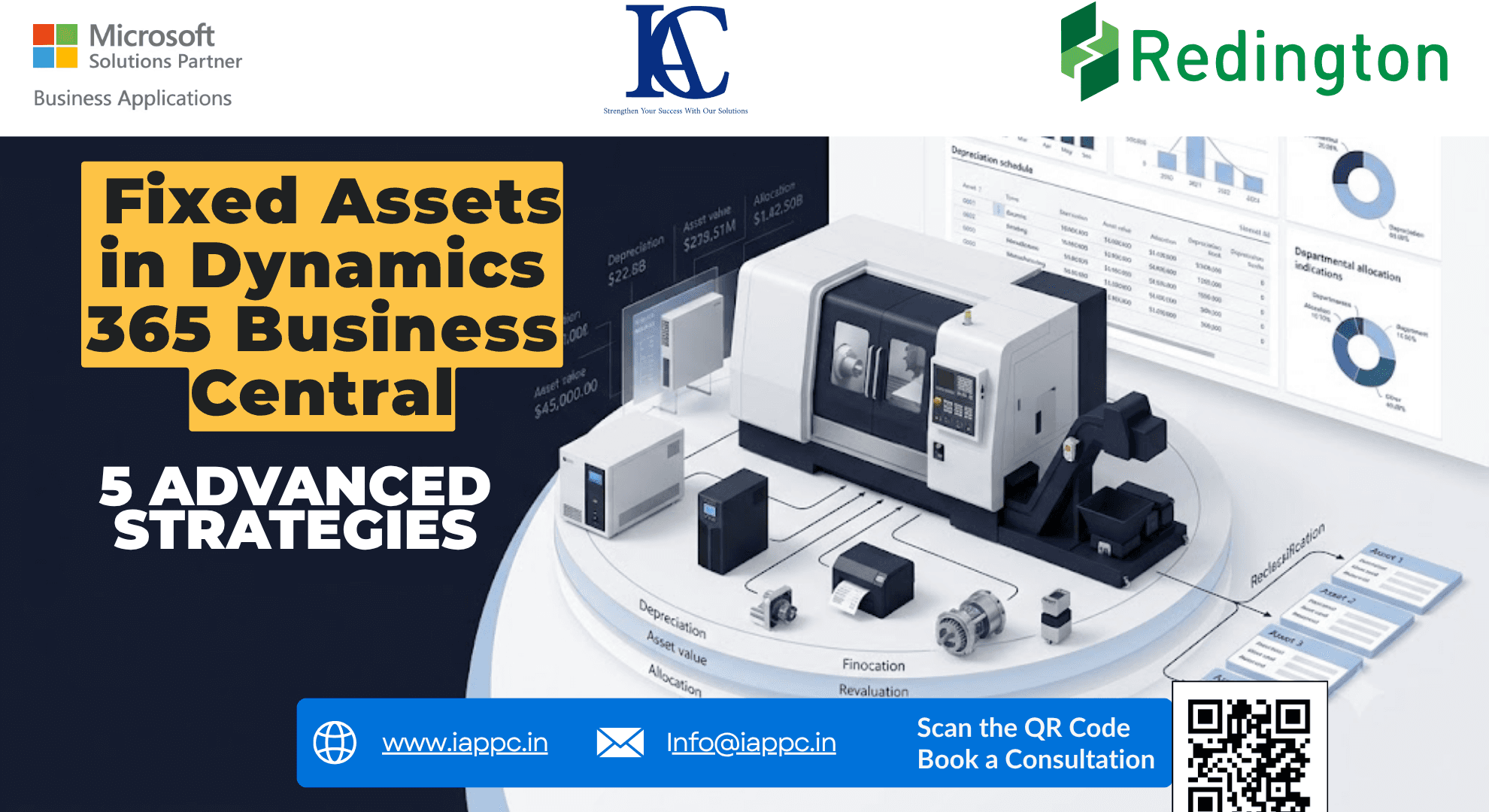
Fixed Assets Are More Than a Depreciation Schedule
Ask most finance teams how they use fixed assets in an ERP, and the answer often comes down to three activities:
Acquire. Depreciate. Dispose.
But that view misses a significant part of fixed asset management.
A production machine may be shared between departments. A complex system may contain components with completely different replacement cycles. A building may suffer an unexpected loss in value. A large asset may later need to be split across departments or separate asset records. And one depreciation book may not be enough to represent different financial requirements.
This is where Microsoft Dynamics 365 Business Central becomes more than a fixed asset register.
Its fixed asset functionality supports depreciation, allocations, multiple depreciation books, asset reclassification, splitting and combining assets, value adjustments, maintenance, insurance, budgeting, and reporting. (Microsoft Learn)
The real advantage is not simply having these features.
It is knowing when and why to use them.
Here are five strategies that can take fixed asset management beyond routine depreciation.
1. Allocate Depreciation Where the Asset Is Actually Used
Imagine a company vehicle with an acquisition cost of ₹20 lakh.
It is not used exclusively by one department:
Posting the entire depreciation expense to one generic department may technically record the expense, but it does not necessarily provide meaningful management information.
Business Central allows fixed asset posting groups to define allocation percentages and G/L accounts for relevant posting types. Depreciation can therefore be allocated according to the configured accounting structure and dimensions. (Microsoft Learn)
This matters when management wants to understand:
Which department is consuming the asset?
Which cost centre is carrying the depreciation?
What is the true operating cost of each department?
How should asset-related costs appear in management reporting?
The principle is simple:
The department benefiting from an asset should be visible in the financial data associated with that asset.
That turns depreciation from a month-end accounting entry into useful management information.
2. Treat Complex Equipment as Main Assets and Components
A second common mistake is treating a complex system as one indivisible asset.
Consider a large printing system containing:
Main printing machine
Specialized printing unit
UPS/power system
Monitor/control system
Supporting equipment
If everything is maintained under one asset number, replacing one component can create unnecessary accounting complexity.
Business Central supports main assets and components, allowing related assets to be structured together while retaining individual asset records. Microsoft also provides dedicated Main Asset Components and Main Asset Statistics functionality. (Microsoft Learn)
The structure could look like this:
This architecture provides a more useful balance between aggregate visibility and component-level control.
Instead of asking:
“What is the value of this machine?”
management can ask:
“What is the value of the complete system, and which component is responsible for the current asset position?”
That distinction becomes increasingly important as equipment becomes more modular and expensive to maintain.
3. Use Write-Downs, Appreciation and Indexation When Reality Changes
Depreciation follows a planned pattern.
Reality does not.
Suppose a building has a sudden physical problem that materially reduces its recoverable or book value. Waiting for the normal depreciation schedule to gradually reflect that change may not produce the accounting treatment required by the organization's policy.
Business Central supports write-downs and appreciations as fixed asset posting types. Microsoft describes revaluation as including appreciation, write-down, and general value adjustments. (Microsoft Learn)
Write-Down
A write-down can be used when the value of an asset needs to be reduced through an appropriate fixed asset adjustment.
Appreciation
An appreciation entry can increase an asset's recorded value when the applicable accounting policy permits such treatment.
Indexation
Business Central also provides an Index Fixed Assets process for adjusting fixed asset values based on index figures. Microsoft notes that indexation can be used for general price changes and requires indexation to be enabled for the relevant depreciation book. (Microsoft Learn)
For example:
The important point is that these are not interchangeable.
The correct treatment depends on the organization's accounting policy and the nature of the underlying event.
So the ERP should not merely answer:
“How much depreciation should I post?”
It should also help finance teams represent changes in the asset's financial position appropriately.
4. Split a Fixed Asset When the Business Structure Changes
A large asset does not always remain a single accounting object throughout its life.
Consider a machine originally acquired for ₹50 lakh.
Later, the organization needs to distribute its value across multiple departments or asset records.
Business Central's Fixed Asset Reclassification Journal can transfer, split, or combine fixed assets. Microsoft documents percentage-based splitting using the Reclassify Acq. Cost % field, together with the option to reclassify acquisition cost and depreciation. (Microsoft Learn)
For example:
Business Central can move the relevant acquisition cost and depreciation amounts to the new asset records based on the reclassification setup. (Microsoft Learn)
This is more powerful than simply editing an asset description.
It preserves the financial structure while changing how the organization represents ownership, department responsibility, or asset composition.
The same reclassification functionality can also be used to combine multiple fixed assets into one. (Microsoft Learn)
This makes asset restructuring considerably more controlled than manually creating replacement records and attempting to reconstruct historical values.
5. Use Multiple Depreciation Books Instead of Forcing One Calculation to Do Everything
One of the most important concepts in Business Central fixed asset management is the depreciation book.
A business may need different depreciation treatments for different reporting purposes.
For example:
Business Central allows multiple depreciation books to be assigned to a fixed asset, with each book defining its own depreciation terms. Microsoft notes that organizations can use different methods and useful lives across depreciation books. (Microsoft Learn)
Business Central also supports duplication lists to help duplicate entries from one depreciation book into others.
For example, if Book B and Book C are configured as part of the duplication list, entries posted through Book A can be duplicated into those books according to the configured setup. (Microsoft Learn)
This becomes particularly useful when:
One book integrates with the General Ledger.
Another book is maintained separately.
Different depreciation methods are required.
Finance needs separate reporting treatments.
Historical entries need to be copied into another depreciation book.
Business Central also provides the Copy Depreciation Book process to copy fixed asset ledger entries between depreciation books. (Microsoft Learn)
The result is a much cleaner architecture than maintaining parallel spreadsheets for different depreciation calculations.
The Hidden Strategy: Fixed Asset Management Is About Structure
The five techniques above have one thing in common.
None of them is really about pressing the Calculate Depreciation button.
They are about designing the asset structure correctly.
Business Central also supports budgeted fixed assets, allowing anticipated acquisitions, disposals, and depreciation to be included in reporting. (Microsoft Learn)
That means the fixed asset module can participate in both historical accounting and forward-looking planning.
What This Means for Finance Leaders
A mature fixed asset strategy should answer more than:
“What is the asset worth today?”
It should help answer:
Where is the asset being used?
Which department carries its cost?
What components make up the asset?
Has its value materially changed?
Should its financial structure be split or reclassified?
Which depreciation treatment applies?
What future assets are being planned?
That is the difference between a fixed asset register and a fixed asset management framework.
For finance leaders, the objective is not simply to automate depreciation.
It is to create a financial representation of the organization's physical assets that remains aligned with how the business actually operates.
People Also Ask
Does Dynamics 365 Business Central support fixed asset depreciation?
Yes. Business Central supports multiple depreciation methods, including Straight-Line, Declining-Balance, DB1/SL, DB2/SL, Half-Year Convention, Manual and User-defined depreciation.
Can Business Central split one fixed asset into multiple assets?
Yes. The Fixed Asset Reclassification Journal can split one asset into multiple assets using percentage-based acquisition-cost reclassification and depreciation reclassification.
Can fixed asset depreciation be allocated between departments?
Yes. Business Central supports fixed asset allocations through FA Posting Groups, including allocation percentages and relevant G/L accounts.
Can Business Central manage components of a fixed asset?
Yes. Business Central supports main assets and components, allowing related assets to be organized within a structured asset hierarchy.
Can fixed assets have different depreciation books?
Yes. A fixed asset can have multiple depreciation books, each with its own depreciation terms and methods.
Can Business Central revalue fixed assets?
Business Central supports appreciation, write-downs and general revaluation processes, including indexation for multiple fixed assets when configured appropriately. (Microsoft Learn)
Can Business Central track planned fixed asset purchases?
Yes. Budgeted fixed assets can be used to include anticipated acquisitions and disposals in fixed asset reporting. (Microsoft Learn)
Conclusion: Stop Treating Fixed Assets as
Fixed assets are physical business resources represented through financial data.
That makes their management inherently more complex than simply calculating depreciation.
Dynamics 365 Business Central provides the architecture to manage that complexity through allocations, components, reclassification, value adjustments, depreciation books and budgeting.
The real question for finance and ERP leaders is therefore not:
“Can our ERP calculate depreciation?”
Almost every modern ERP can.
The better question is:
“Can our ERP accurately represent how our assets are acquired, used, valued, reorganized, and reported?”
That is where fixed asset management becomes strategic.
For organizations evaluating or improving their Microsoft Dynamics 365 Business Central environment, the quality of the implementation ultimately depends on how well the ERP structure reflects the organization's actual accounting and operational processes.
Explore IAPPC's Microsoft Dynamics 365 Business Central solutions or connect with the team to discuss your ERP requirements.