Business Central Copilot Agents: How to Build Warehouse and Fulfilment Workflows
Business Central Copilot Agents can check stock, flag shortages, and coordinate dispatch. See how the MCP Server and Copilot Studio work, and what to test.
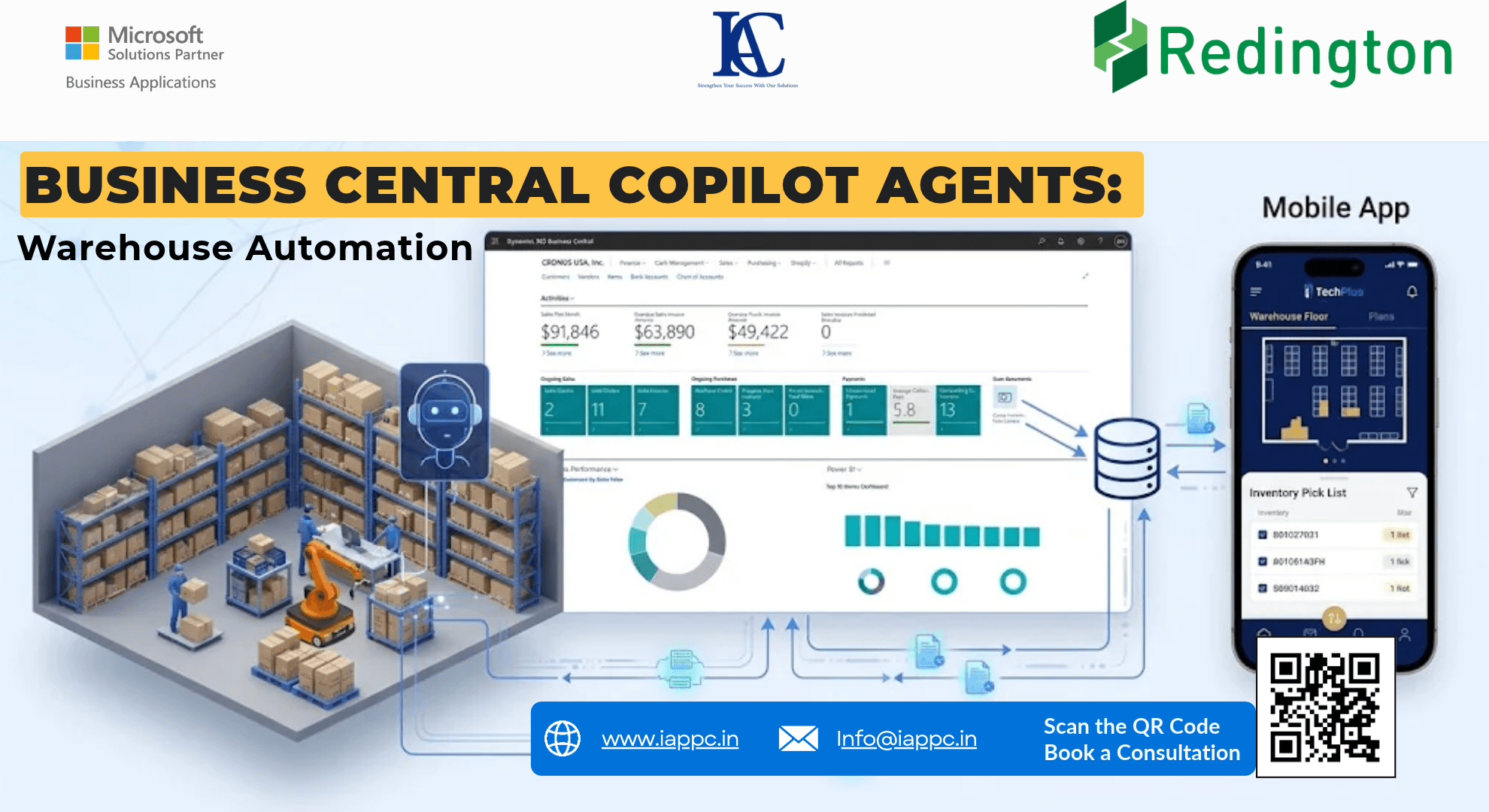
Business Central Copilot Agents are AI agents that read and act on your Business Central data. Build one in Microsoft Copilot Studio, connect it through the Business Central connector or the Business Central MCP Server, and it can check stock, flag shortages, and prepare dispatch information for your team. It works within the permissions you set. Two things to know up front: the MCP Server access is read-only by default, and Microsoft's documentation has described it as a preview feature, so confirm its current status before you plan a rollout.
Here's how the pieces fit together, which warehouse workflows are worth automating first, and what to put in place before an agent touches live inventory.
What Are Business Central Copilot Agents?
The phrase covers two different things, and it's worth separating them.
Built-in agents ship with Business Central itself. Microsoft's Sales Order Agent and Payables Agent are examples. You switch them on and configure them. They handle a defined task, and you don't build them.
Custom agents are the ones you build in Copilot Studio. You write the instructions, choose the tools, and decide what the agent may read or change. Warehouse and fulfilment work usually falls here, because every warehouse runs a little differently.
This guide is about the second kind.
Unlike conventional automation, which follows fixed triggers, a custom agent can interpret a request, pick the right tool, retrieve data, and decide on a next step, all within the permissions you've configured. Ask it which sales orders are ready to ship today and whether anything is short. It pulls the orders and stock levels, spots the exceptions, and gives you a summary you can act on.
Connector or MCP Server: Which Should You Use?
Copilot Studio gives you two ways to connect an agent to Business Central.
Business Central connector: predefined actions for reading and updating records. It suits standard integration and automation.
Business Central MCP Server: lets AI agents discover and use the tools you've exposed. It's built for agents, and it can reach custom APIs exposed through AL extensions.
You can use both in one agent. The choice comes down to how much customisation the workflow needs and how comfortable your team is with Business Central APIs.
What MCP actually does
Model Context Protocol (MCP) is an open standard for how AI applications talk to external systems and use their tools. In Business Central, the MCP Server is the structured doorway between an agent and your ERP.
It isn't a shortcut around your configuration. By default, the server gives read-only access to exposed API pages. To let an agent create, modify, or delete records, an administrator has to configure those API objects with specific permissions. What the agent can do is whatever you've allowed, and nothing more.
Five Warehouse Workflows Worth Automating
1. Inventory availability checks
The agent compares requested quantities with stock, flags likely shortages, and surfaces replenishment information. Nobody clicks through five ERP screens to find out whether an order can ship.
2. Stock reservation and allocation
When several orders compete for limited stock, an agent can weigh order priorities against balances and recommend an allocation. With authorised operations and validation in place, you can automate selected reservation steps too.
3. Picking coordination
An agent can assemble the information behind a pick: order lines, item details and warehouse availability. Route optimisation, wave picking, and scanner instructions are different. They'll likely need extra warehouse logic or an external WMS.
4. Exception management
An order needs 50 units, and 42 are on hand. The agent flags the gap, checks replenishment information, and recommends whether to split the shipment or wait. A person approves the decision.
5. Dispatch and carrier coordination
Connect the right external tools, and an agent can fetch shipping rates, compare delivery options, and prepare shipment details. Booking and tracking updates need the relevant carrier APIs or integration services.
How to Build a Fulfilment Agent in Copilot Studio
Pick one process. Inventory checks, exception flagging, or dispatch prep are all good first choices. Don't start with everything.
Define Business Central access. List the API pages, queries, and operations the agent needs. Decide what it can read, create, or update.
Enable the MCP Server. Turn it on for your environment and set up an MCP configuration that matches the access you just defined.
Build the agent. In Copilot Studio, write its instructions, add the tools, set the business rules, and describe the responses you expect. Connect it through MCP, the connector, or both.
Integrate external systems. Add your WMS, carrier APIs, or other operational tools only where the process needs them.
Test before anyone relies on it. Run real scenarios. Test permissions, bad inputs, failed integrations, and exception handling.
Security and Governance
An agent with ERP access needs tighter controls than a person would, not looser ones.
Operations run with the identity and permissions of the signed-in user, so audit trails show who performed each action. Microsoft Entra ID handles authentication. Beyond that, plan for these:
Least-privilege access: give the agent only the data and operations the process requires.
Human approval: require confirmation before financial postings, inventory adjustments, or anything with real consequences.
Server-side validation: Business Central's own rules for pricing and validation still apply. Make sure the agent handles the errors they return.
Monitoring: Watch agent responses, tool calls, and integration failures after launch.
Don't grant broad access because it makes the build easier. We wouldn't recommend it.
Before You Commit: Three Checks
Confirm the feature status. Microsoft's documentation has labelled the Business Central MCP Server as a preview feature. Check the current Microsoft Learn pages before you build anything customers depend on.
Check licensing. Copilot Studio agents need a Copilot Studio user license with available Copilot Credits capacity.
Set a baseline. Measure pick times, order exceptions, and dispatch delays now. Without a baseline, you can't tell what the agent changed, and results will vary with data quality, warehouse complexity, and integration maturity.
Frequently Asked Questions
What is the Business Central MCP Server?
It's Microsoft's Model Context Protocol server for Business Central. Compatible AI clients, including Copilot Studio, use it to discover and work with the APIs and operations you've configured.
Can Copilot Studio connect directly to Business Central?
Yes. Microsoft documents two routes: the Business Central connector and the Business Central MCP Server. You can use either, or both in the same agent.
Is a Copilot Agent the same as Microsoft's built-in agents?
No. Built-in agents like the Sales Order Agent and Payables Agent come with Business Central. A Copilot Studio agent is one you design yourself for your own process.
Can AI agents automate warehouse picking?
They can coordinate picking information and configured operations. Route optimisation, wave picking, and scanner-based execution may need extra development or WMS integration.
Is MCP a replacement for traditional APIs?
No. MCP gives agents a standard way to discover and use tools. Business Central APIs and the business logic behind them still do the work.
Does every AI action need human approval?
Not every one. But for sensitive transactions, inventory adjustments, and anything with significant business consequences, build approval controls in.
Where to Start
Warehouse efficiency used to depend on how fast people processed orders. It now also depends on how well your inventory data, decisions, and connected systems work together.
If you run a manufacturing, wholesale, or distribution business, start small. Pick one repetitive task, connect only the systems it needs, and add controls from day one.
At Innovative TechPlus, we help businesses implement Microsoft Dynamics 365 Business Central, AI solutions, and custom automation workflows built around their operational requirements.
Want to scope a warehouse pilot?
Talk to us about which Business Central workflow to automate first.